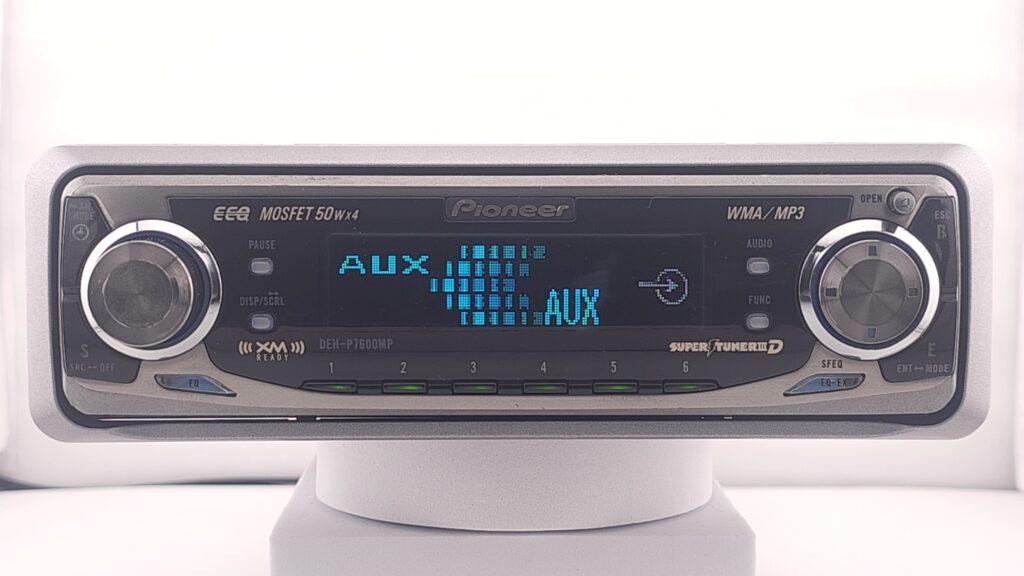
Plug In the IP-BUS connector comming off the BT adapter into the IP-BUS port on the back of the unit. (Blue port)
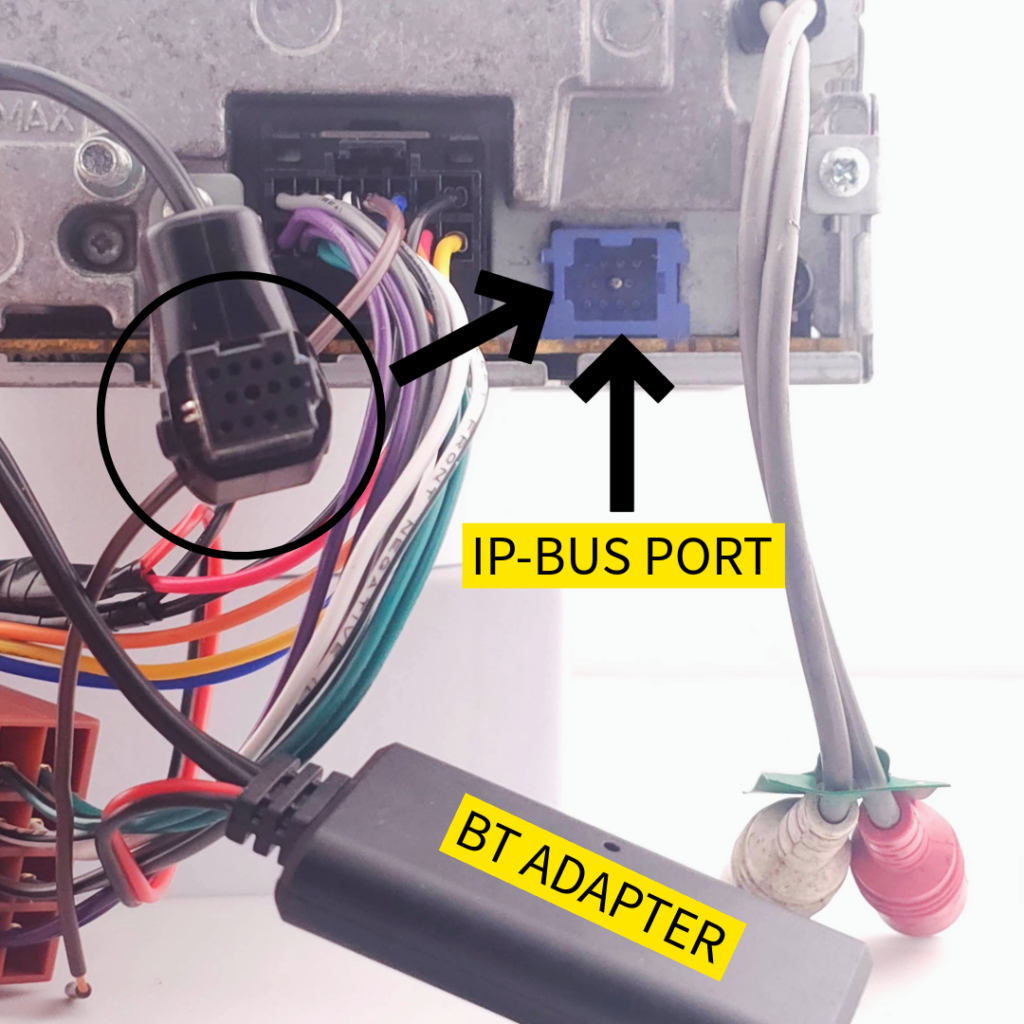
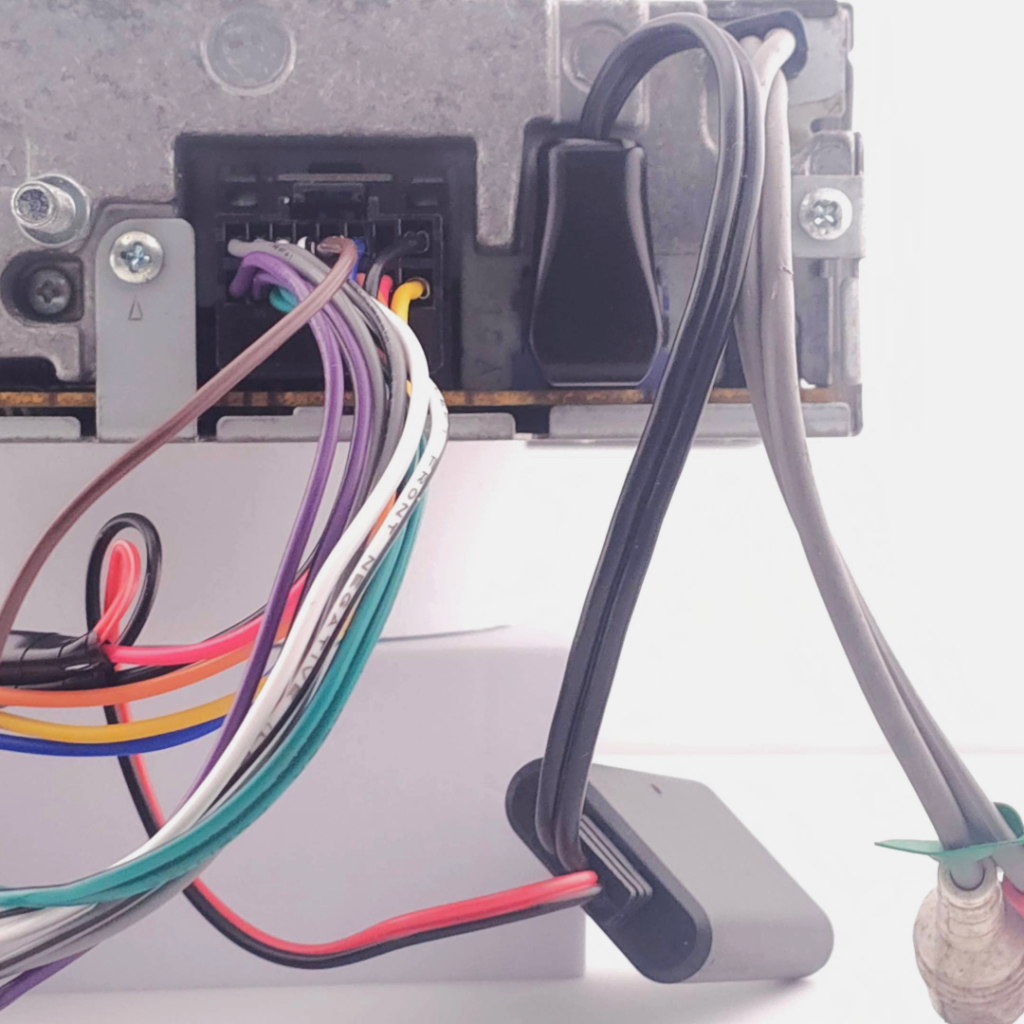
With the unit installed/powered, make sure the unit is in standby mode.
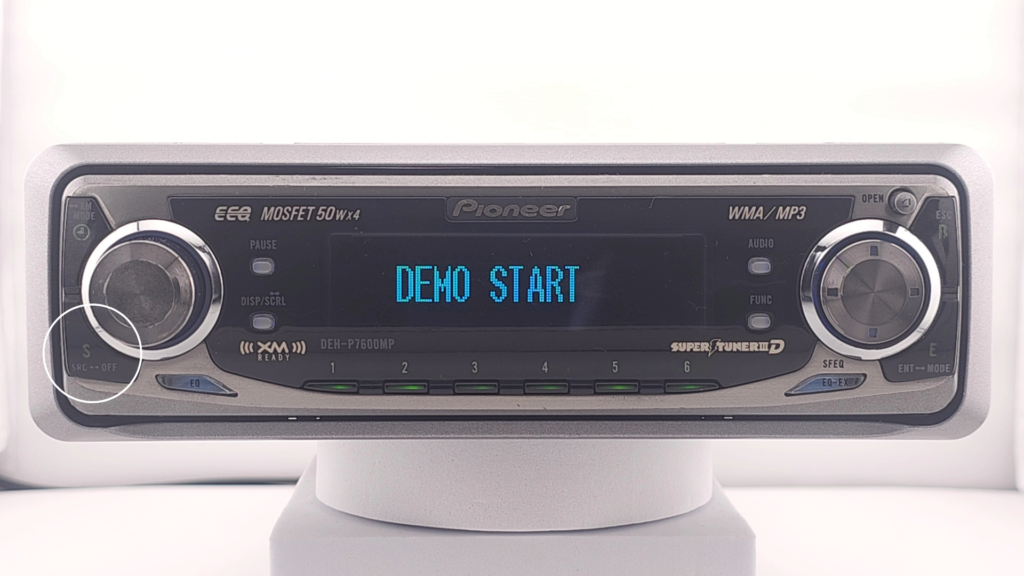
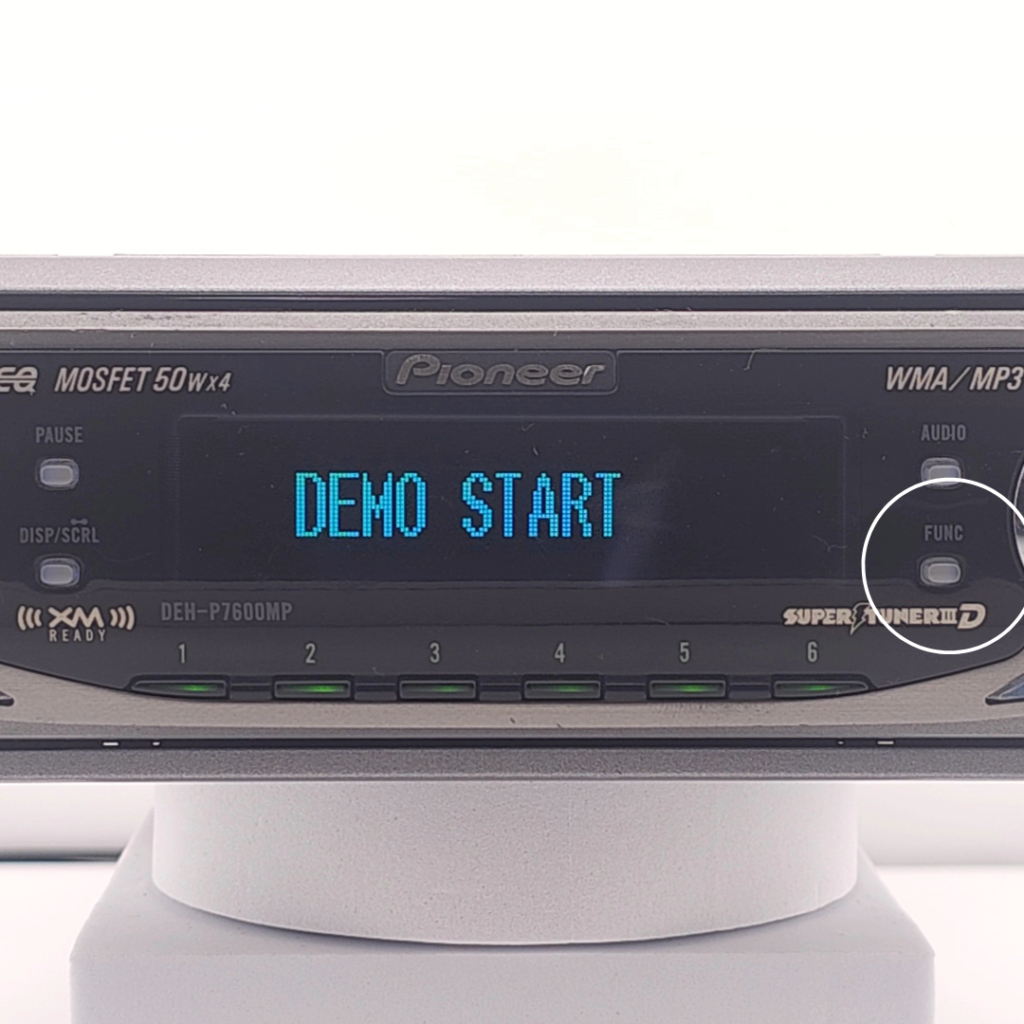
If the unit is ON hold the SRC/OFF button down until a beep is heard; demo mode should start playing or a blank screen will show if demo mode is deactivated.
(The off button is often in different locations on each headunit, but is always labelled SRC or OFF)
With the unit now in standby, hold down the function (FUNC) key until a beep is heard
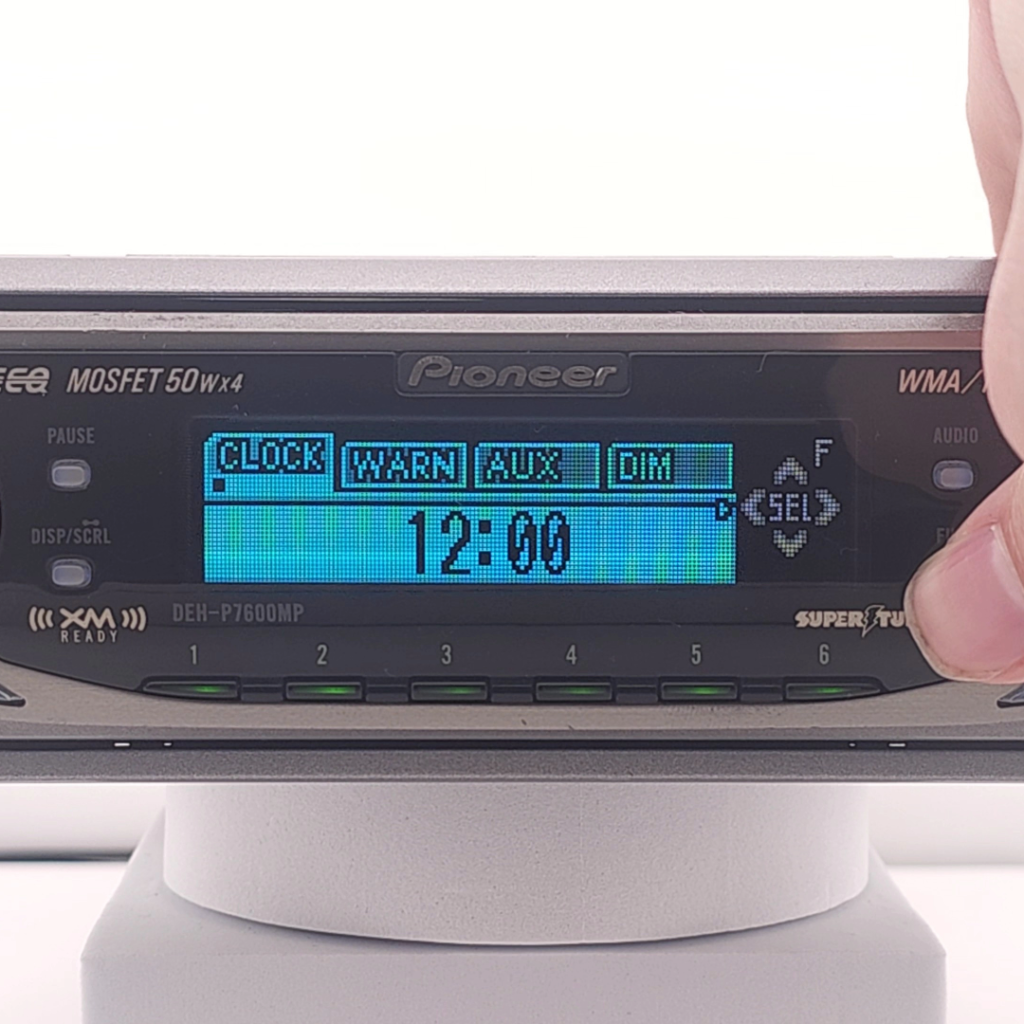
Now in the hidden menu navigate along to the Aux tab by single pressing the function key until aux is selected, single press up on the direction pad to turn Aux source on.
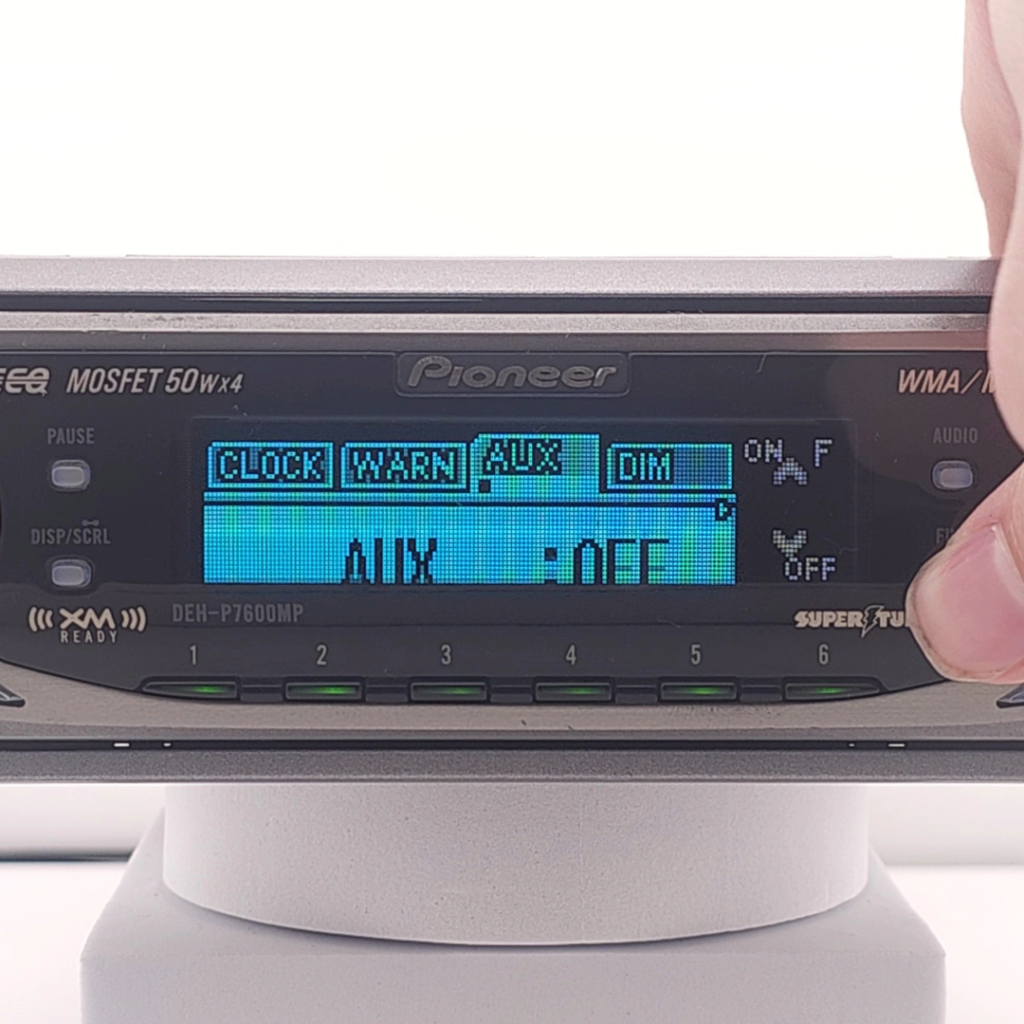
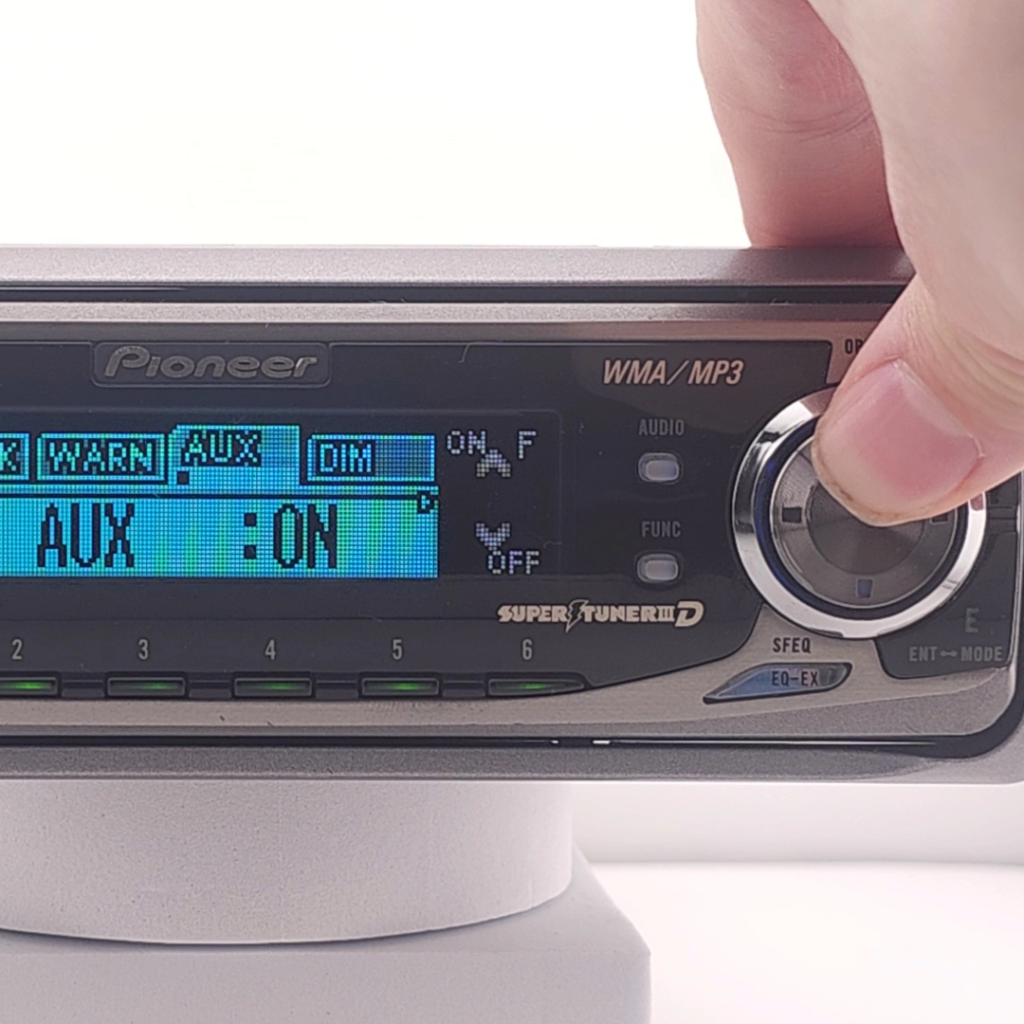
With AUX now on, press ESC (Escape) key to exit the hidden menu and press SRC to turn on the unit.
The Aux source will now be available to use while cycling through the sources with the SRC button.
The Bluetooth adapter is always available to pair with a device when no device is connected.
Pair your device to the Bluetooth adapter, and audio will play through the Aux source.
(Multimedia controls do not function over Bluetooth, only audio playback.)